Programmatic Lead Generation: A Workflow AI Targeting and Google Maps Scraping
In technical sales and growth engineering, data volume is not much of a bottleneck. The actual problem is the signal-to noise ratio. Assuming that you feed your CRM with 10,000 unverified rows, this is not a pipeline, this is technical debt.
The remedy of this is a structured workflow by putting together two different technologies: Generative AI to gain strategic targeting and Web Scraper to retrieve the data.
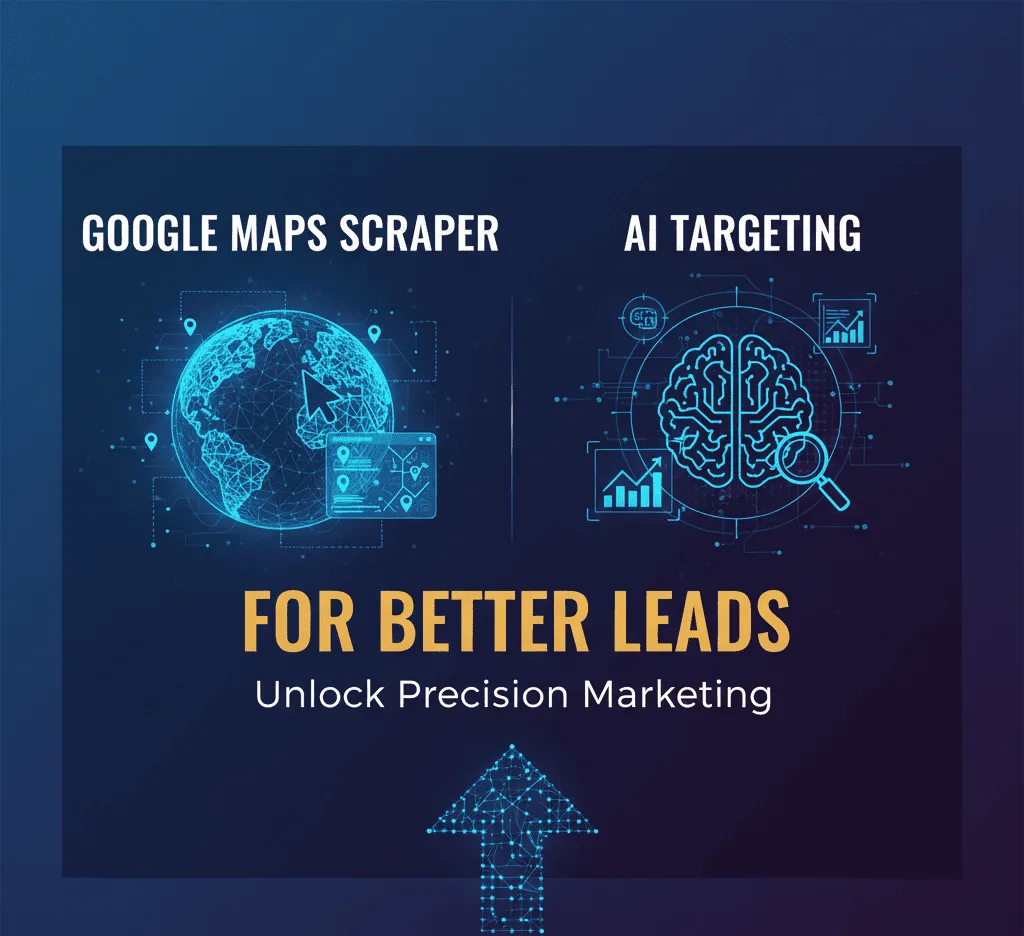
This guide provides the technical workflow with the help of AI Niche Target tool and Google Maps Scraper.
The Architecture: Why Use AI with Scraping?
The Architecture is a programmatic identification of high-probability buyer groups and a mapping to real-world business entities.
- The Logic Layer (AI Niche Target): This is your query optimizer. This is the execution engine rather than a guess-based approach to generating keywords, you feed your value proposition and produce specific, high intent market segments and semantic search terms into the Extraction Layer
- Extraction Layer (Google Maps Scraper): This is the execution engine.
Prerequisites
Before running the script, you will need to have the following inputs defined:
- Value Proposition: A short description of what you are solving (e.g., “SaaS to automate the process of dental appointments booking).
- Geo-parameters: The specific location, area, or a coordinate box you would like to query.
- Constraints: Hard filters (e.g. amount of reviews) or types of businesses.
The Execution Workflow
Step 1: The specificity of your input.
Write your offer in a problem/solution format.
- Bad Input: “Marketing services.”
- Good Input: “We run Google Review campaigns on behalf of local clinics to get more patients. This replaces manual market research.
- Input: Add your product description and optional location information.
- Process: Prompted by your description, the AI will generate a list of buyer profiles, pain points, and keywords unique to the service you offer and suggested location, and it will be structured to be searchable in its current form (i.e., [Service Keyword] + [City]).
- Example: With an input of Clinical Booking Software, the AI will create a list of buyer profiles, pain points, and keywords unique to the service and suggested location, and it can be turned into a searchable query (i.e Filter the noise out of your data with the specific terms the AI has found.
Step 4: Set up the Extraction Engine
Open the Google Maps Scraper. This step will correlate your questions with real data retrieval.
- Load Keywords: Add the list that was created in Step 3.
- Set Geo-Targeting: Add your target cities or zip codes. Begin with one high-density region to test the quality of data before scaling
- Proxy Configuration (Crucial for Scale): In case you are working with a big queue of keywords, turn on Proxy Rotation. This will send requests via various IP addresses and avoid Google is rate-limiting your scraper (HTTP 429 errors) and will continue to scrape without interruption.
- Execute: Start the scraping. The scraper will go through the search results, extracting fields such as Business Name, Category, Address, Website, Phone, Rating and Review Count out of the HTML.
Step 5: Data Sanitization and Normalization
Raw scraped data needs to be cleaned up first before it can be used. Export the data (CSV/XLSX) and do the following operations:
- Deduplication: Keep only the rows with the Phone or Place ID being unique.
- Filter by Attribute:
- Contactability: Keep only the rows with Website and Phone being both empty.
- Activity Signals: Keep only the rows with Reviews. A 50+ review policy presumably indicates an established business; a 0 review policy perhaps is a ghost listing.
- Rating Logic: Ratings is a heuristic. A 3.5-star rating would be a potential reputation management prospect, a 4.9-star rating would be a prospect of premium tools.
Step 6: Enrichment (Optional)
The Website URL is available in a 3.5-star rating. It is not a pipeline, and can be piped with an email scraper or another contact finder tool to solve role@domain.com or particular decision-maker email addresses in
Step 7: Programmatic Outreach
Use the Pain Points data you generated in Step 2 to format your outreach. Do not use templates that are generic.
- The Hook: Cite the particular business category in which the scraper will find itself.
- The Value: Map the particular pain point discovered by the AI to your solution.
- The Proof: Include some relevant metric.
- A/B Testing: Have two versions of your message.
Step 8: The Feedback Loop (Recursion)
Take one of the variants and mass-run 50 contacts to establish what semantic angle has a higher response rate. Apply the metadata of the positive responses to the Scraper filters.
- Observation: “Dentists with less than 4.0 stars answered 20% more frequently.
- Action: Adjust the Scraper filters to only target businesses with 3.0-3.9 stars in the next city.
Technical Best Practices
- Rate Limiting: Respect the target server. Meaningful delays between requests when not using a rotating proxy pool: Only scrape public data. Ensure the compliance of your outreach with local regulations (GDPR, CAN-SPAM, etc.).
- Horizontal Scaling: Once the Niche + Message fit has been proven in one city, programmatically scale and expand on a list of neighboring cities with the same keyword structure.
Summary
This workflow moves lead generation out of the art and into the system.
- AI Niche Target gives you the schema (Who to target and why).
- Google Maps Scraper gives you the objects (The actual business data).
- Sanitization and Logic ensures high relevance.
By rigorously following the same protocol, you can programu spend less and sell more.
Leave a Reply