Getting to know Yahoo Local: Guide to Proxy Rotation
Yahoo Local is a treasure trove of business intelligence in the field of data collection. It gives specifics of local businesses in granular details- ratings and reviews, contact details. Yahoo Local scraper is human-friendly, however, not automated.
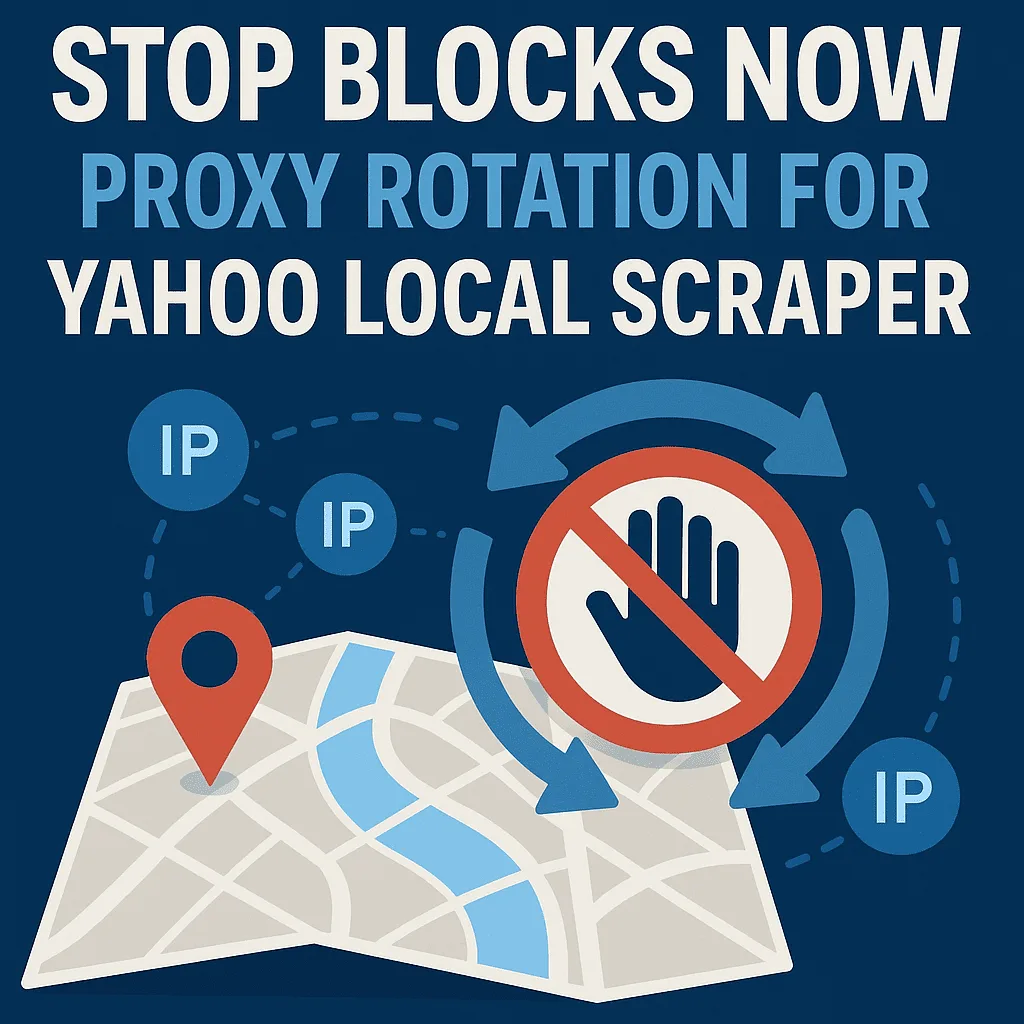
On the one hand, you are bound to encounter rate limits when using a single IP address to scrape data in bulk, CAPTCHA challenges, or soft bans. To overcome these obstacles and maintain integrity of the data, you have to make it through Proxy Rotation.
In this tutorial, we will deconstruct what proxy rotation is, why it is essential when scraping a localized site such as Yahoo and how to implement a rotation strategy.
Part 1: The Theory-Why Rotation Matters
Your IP address is your digital identity when scraping a localized site such as Yahoo. When such an identity requests thousands of entries in one minute, it is flagged. The reason why this is necessary is that it provides consistency, as follows:
Four pillars
The four pillars of this issue are as follows:
- Consistency: By rotating IPs, you spread your traffic. This avoids one IP reaching a rate threshold so that your scraping session will be consistent across a long period of time.
- Geo-Accuracy (Crucial): Results on Yahoo Local are geographically varied, so the user will get different results depending on their current location. In order to scrape the information about Plumbers in Chicago, one will require appearing as a user in Chicago. Proxy rotation will allow you to make requests to certain cities in order to receive localized results.
- Scalability: To scrape effectively, you must run several threads (many tabs/processes at the same time). It is a ban waiting to happen doing it on a single IP. This is safe and efficient in rotating 50 IPs;
- Resilience: In case one IP is not working or blocked, a rotation system will restart the request with a new IP, so there will be no gaps in your data set.
Part 2: The Vocabulary-Types of Proxies
Not all IP addresses are created equal. In configuring your scraper, you must select the appropriate class of proxy.
- Residential Proxies: These are IPs that are given by Internet Service Providers (ISPs) to actual homeowners. They are the least noticeable: They resemble regular user traffic, and are highly geo-targetable (e.g. down to specific neighborhoods).
- Datacenter Proxies: This is obtained through cloud servers (such as AWS or Azure). They are very fast and cost-effective and can be easily detected as non-human traffic. Best usage: Scraping, high-speed, and low-security Web crawling.
- Hybrid: ISP (Static Residential) Proxies: These are as fast as a datacenter proxy but as legitimate as an ISP registration.
The Lesson: The better option in the case of Yahoo Local is Residential or ISP proxy. They have the best deliverability and the best location information.
Part 3: The Mechanics-How Rotation Works
When setting up a scraper, you need to determine when to change the IP address. Three common rules exist:
- Time-Based: IP changes every X seconds (i.e. every 60 seconds).
- Request-Based: IP changes after N requests (i.e. after every 10 loaded pages).
- Failure-Based: IP changes as soon as a request fails or returns some error status (e.g. 403/429).
The Concept of “Sessions”
- Rotating Sessions: You are assigned a new IP with each request. It is splendid in collecting listings of search results fast.
- Sticky Sessions: You hold onto a single IP over a certain period of time (e.g. 10 minutes). This is needed in case you have to do a multi-step workflow, that is, to click a listing, open the “Reviews” tab and copy the text.
Part 4: Practical Application-The Workflow
Step 1: Enter your target industries. Example: Dentist, Roofing, Italian Restaurant.
Step 2: Determine Geography (Target Cities) Next, determine the where. You are required to post the list of ZIP codes or cities. Why it is essential: The scraper will combine your keywords with those places to imitate the local searches.
Step 3: Network setup (The Proxy Setup) It is the most important step. You will input your proxy list (HTTP/SOCKS) into the software.
- The Strategy: Rather than writing difficult code, current tools enable the setting of a rule like Count of cities and then they will switch IPs after every three cities.
- Result: The scraper will use one IP to access three cities and then change the identity to a new one and access three more cities. This emulates the process of human travel or searching and avoids the practice of a robot.
Step 4: Execution and Data Extraction After configuring the rotation logic, you run the scraper. The tool will repeat your keywords and your cities to extract:
- Business Name and Category
- Phone Address and Website
- Reviews and Ratings
- Social Media Profiles
Due to the proxy rotation, the tool can auto-restart on failed requests but will not halt the entire process.
Part 5: Best Practices to be successful
The tool will run auto-restarts when it can not access a specific IP, yet will not stop the whole process. You will be throled the instant you do.
- Match Location to Proxy: On scraping of businesses in London, make sure that your proxy pool is tunneled in the UK. With a US proxy of the local UK data, irrelevant listings may be obtained.
- Apply Backoff: Good scrapers apply exponential backoff. In the case of a mistake, the scraper delays 2 seconds and 4 and 8. This is a simulation of a human stopping instead of a bot striking the server.
- Monitor Concurrency: Start slow. Run 2-5 concurrent threads. If successful, scale up. When you find the mistakes, undo it.
Summary
Scraping Yahoo Local is not merely the process of writing the script, it is the process of controlling identity with networks. With knowledge of Proxy Rotation, namely the distinction between sticky and rotating sessions and importance of Residential IPs, you are able to transform a volatile scraping mechanism into a dependable, stable stream of data.
Leave a Reply